Support
Support paths for existing customers and operators working through diagnostic situations. Service tickets for active issues, remote diagnostic for pre-shipment conversations, direct phone for urgent situations.
Two Support Paths
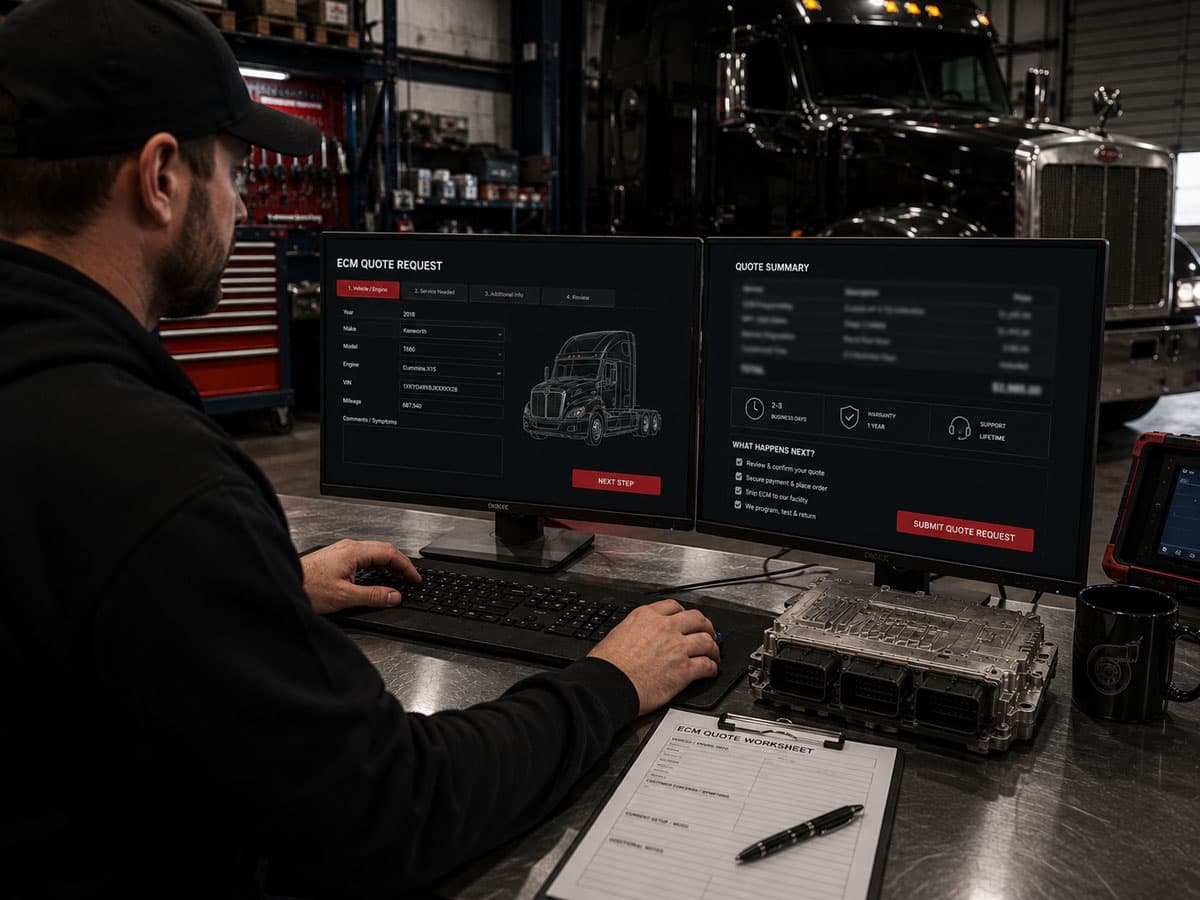
Create Service Ticket
Submit a service ticket for troubleshooting, post-installation issues, or active operational problems. Upload fault codes, photos, and diagnostic files. Same-day response during business hours.
Remote Diagnostic
Share fault codes and operational context. We work through the diagnosis together before any ECM ships. Especially valuable for fleet customers managing recurring patterns.
When To Use Which Path
Service ticket is the right path for existing customers with active issues — a recent calibration that's producing unexpected behavior, a follow-up question on previously delivered work, or a new diagnostic situation on a truck we've already programmed. The ticket captures fault codes, photos, and operational context, and routes to the technician most familiar with your truck.
Remote diagnostic is the right path for pre-shipment diagnostic conversations — operators trying to identify what's actually driving an operational issue before committing to ship-in service, or fleet customers working through patterns across multiple trucks. We work through the operational context together and narrow the underlying cause.
Direct call is the right path for urgent situations or for operators who'd rather just talk. Most operational situations move faster on the phone than through forms.
Need Active Support?
Same-day response for service tickets and remote diagnostic requests during business hours. Phone is fastest for urgent situations.